Personal Finance
Budget App
A simple, private subscription and expense tracker.
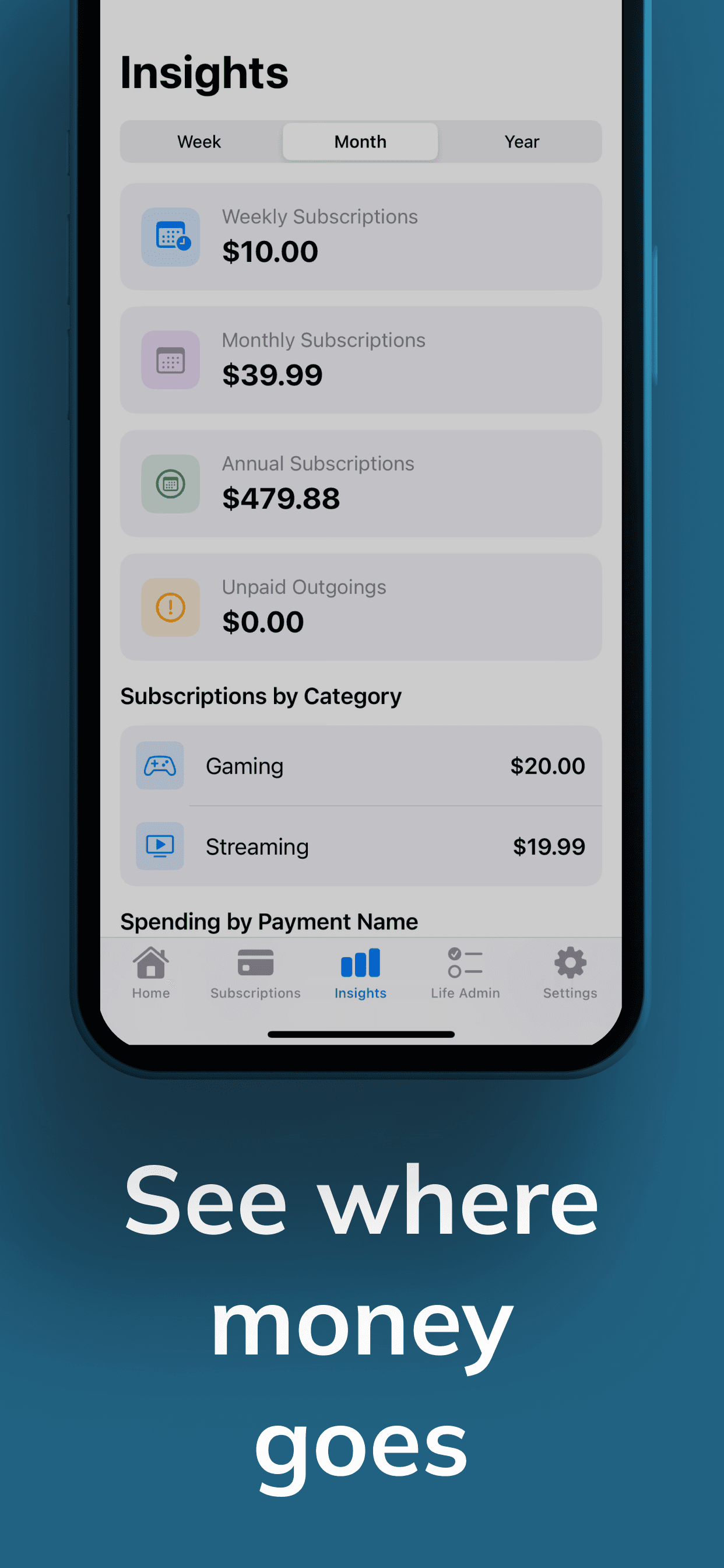
Budget App is a subscription and expense tracker that shows where your money goes. Add expenses in seconds, organize by category or payment method, and see weekly, monthly and yearly totals at a glance.
What Budget App does well
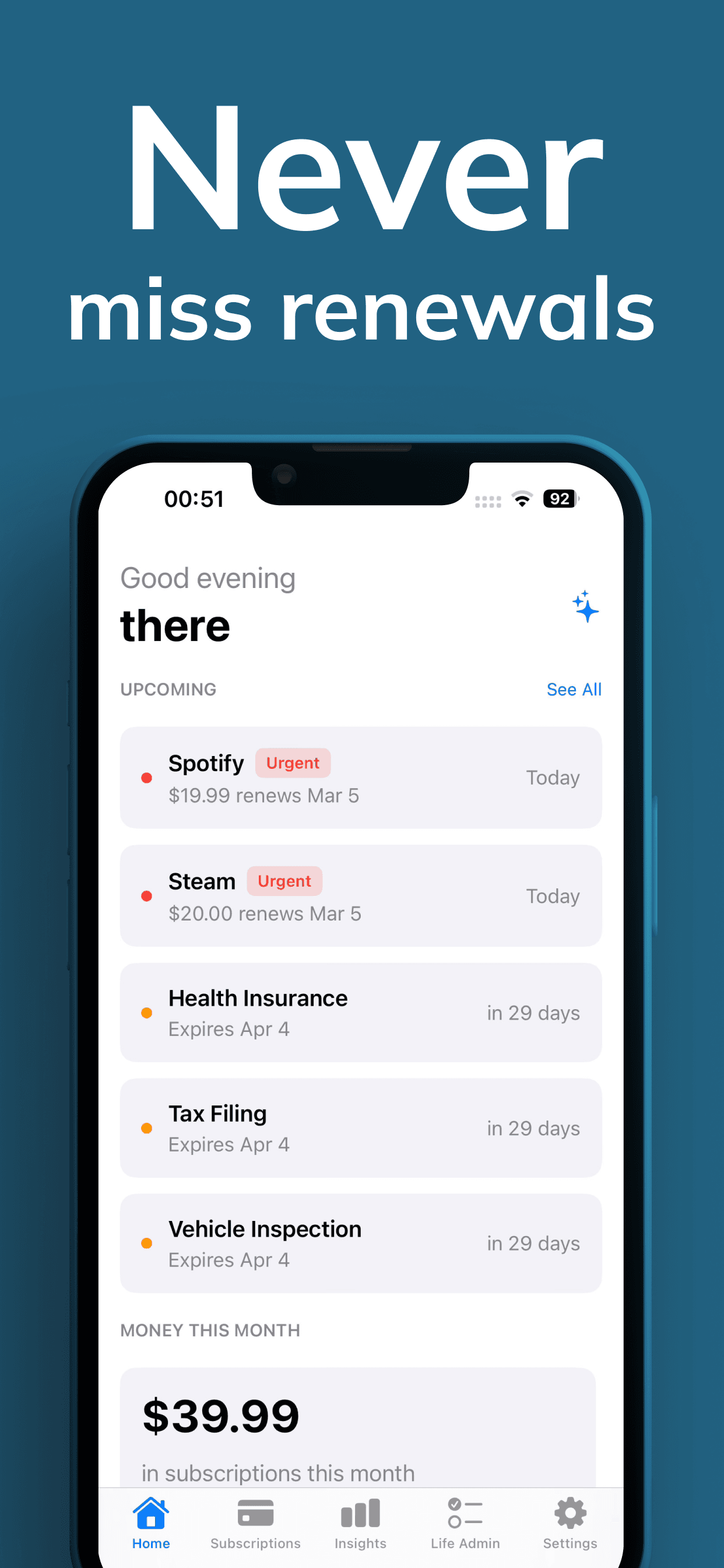
- Renewal reminders
- See upcoming subscription renewals before they charge you.
- Spending totals
- Weekly, monthly and yearly totals at a glance.
- Simple organization
- Group expenses by category or payment method.
- Private by design
- No data collection — your finances stay on your device.
Privacy summary
Budget App collects no data — your subscriptions and expenses stay on your device. Optional subscriptions are processed by Apple via the App Store. See the full Privacy Policy for details.
Read the full Privacy Policy and Terms of Use.
Frequently asked questions
Does Budget App connect to my bank?
No. You add subscriptions and expenses manually — no bank connection needed.
Is my data collected or shared?
No. The App Store privacy label shows no data is collected. See the Privacy Policy for details.
Can I track inactive subscriptions?
Yes. Mark subscriptions active or inactive to keep forgotten charges visible.
How does the subscription work?
Payment is charged to your Apple ID and renews automatically unless canceled in App Store settings at least 24 hours before the period ends.
Have another question? Visit Support.